
Bilingual Product Packaging Images: Decide Which Text to Translate Before Editing
If a supplier image contains two languages, separate the text printed on the product from the captions added around it. Identify the source language of the areas you plan to translate, then review the other language separately. Keep an approved photograph of the packaging available so the final listing still represents what the buyer will receive.
Map the text before starting a translation
Mark each text area on a review copy. For example, a fictional package might have a product name printed in two languages, with a supplier-added headline above the photograph. Those areas have different roles. The headline explains the listing, while the printed names help identify the actual package.
Make a short review list recording the location, language and intended action for each area. Decide whether it should retain its original appearance, receive a translated caption or be replaced with approved target-language wording. Ask the product owner to resolve any uncertainty about which packaging version is being sold.
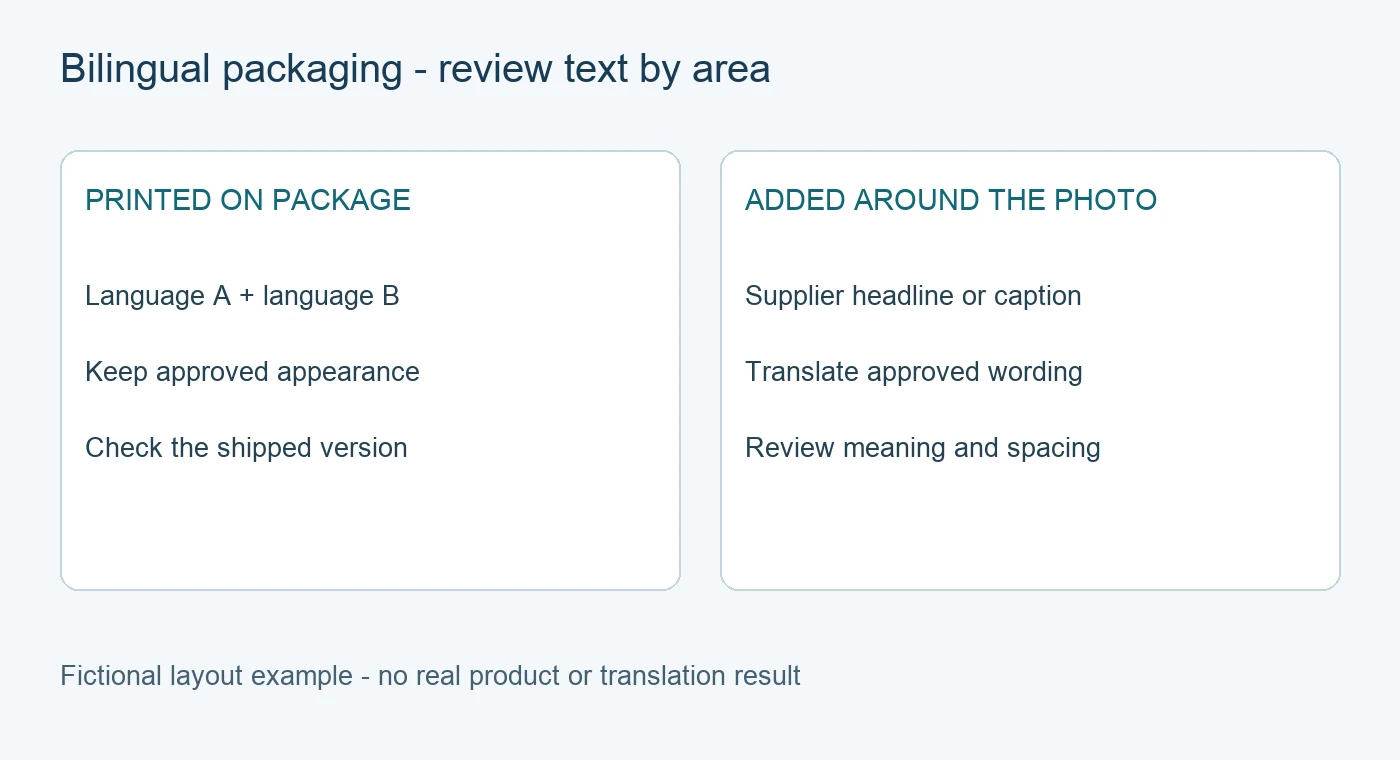
This diagram describes a fictional layout. It is a planning example and contains no real package or translation result.
Choose the translation direction deliberately
In the PicTech image translator, check the source and target language settings for the current task. A change to the website's display language does not establish the intended translation direction. For mixed-language artwork, review every area after processing instead of assuming one language choice has handled both correctly.
If an English headline surrounds packaging printed in English and French, a German listing needs a clear decision about the headline and the printed text. A German caption can explain an unchanged package. Replacing its printed lettering in the photograph requires separate approval that the image still represents the shipped product.
Check for duplicate meanings and conflicting wording
Read the result as one composition. If a caption already explains the product name, check whether another translated block repeats it without helping the reader. Two source languages may also contain different details or wording. Have a qualified reviewer compare their meaning with the approved product information before choosing the final wording.
Pay particular attention to quantities, model references and qualifiers appearing in more than one language. Keep each statement attached to its intended product or panel. If the source versions disagree, record the conflict and have the product owner confirm the content. A fluent translation alone cannot resolve a source-data disagreement.
Preserve the packaging while editing captions
The PicTech user guide documents product area protection, original-versus-result comparison and restoring an area from the original. Where the package should stay unchanged, review it closely against the source after editing. Protection is AI-assisted, so confirm the visible lettering and product details yourself.
Use the editor's text controls for approved caption corrections. Keep explanatory wording clear of the printed labels and check spacing when the target text is longer. If you restore a region, inspect its boundary and any nearby caption to confirm the final layout remains readable.
Review the export against the actual package version
Save the reviewed task, download the file and open the export. Check that the retained language looks right, the translated caption reads naturally and important labels remain visible at listing size. Compare it with the correct package version, especially where suppliers use different packaging for different markets.
Keep the original, the area-by-area review list, the approved wording and the exported revision together. When packaging changes, that record shows which captions and retained regions need another review.