
Translating Device Port Labels: Keep Input and Output Meanings Clear
Before translating a device photo, separate the label printed on the product from the explanatory text added around it. Check both against the approved specification for that exact model. A caption that sounds natural can still mislead a shopper if it describes an input as an output or points to the wrong connector.
Build a reference for each labeled connection
Record the model, source-image revision, location of each connection, printed marking, and approved explanation. Use a supplier document that actually covers the photographed variant. Similar-looking housings do not establish that two products have the same connections or capabilities.
For an editorial example, imagine a photo with two callouts labeled “power input” and “audio output.” This fictional pair illustrates two different meanings, not the wiring or capabilities of a real device. If the source merely says “port,” ask the product owner for clarification instead of adding a more specific function during translation.
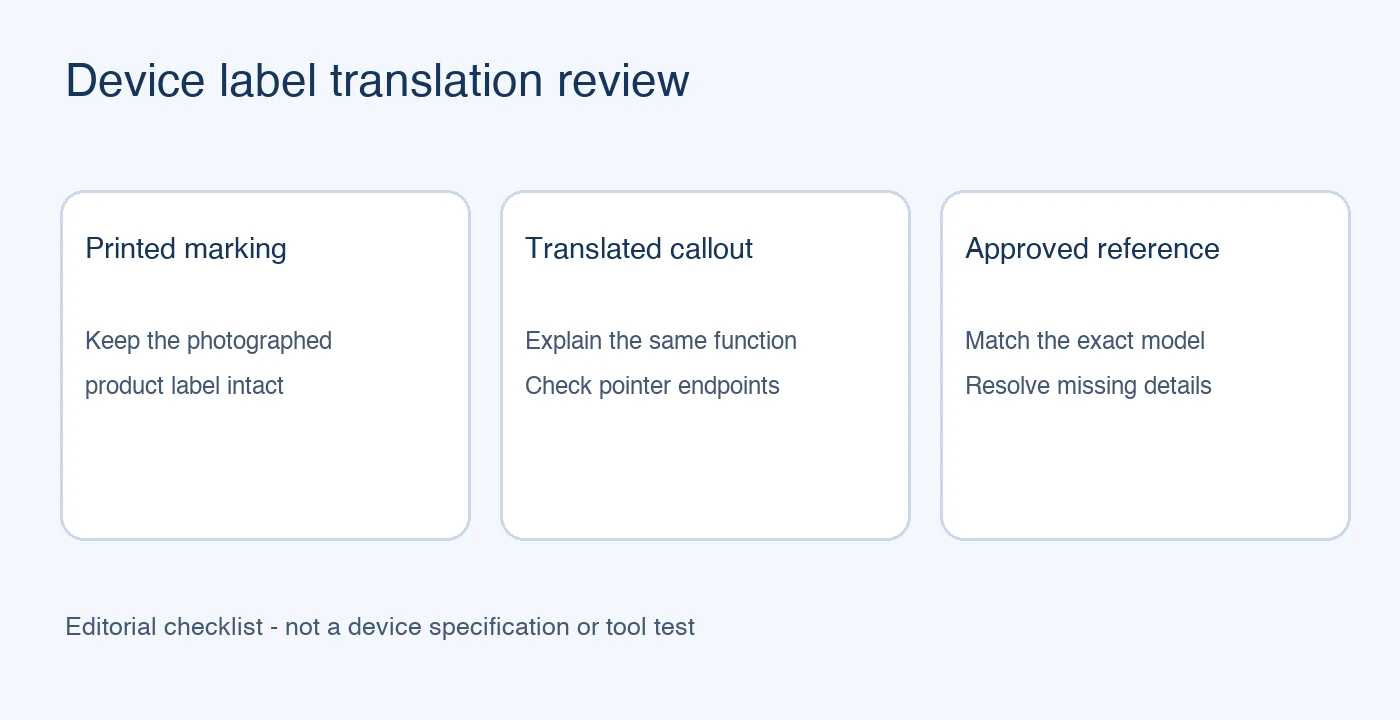
Preserve product markings while translating explanations
Do not replace a marking physically printed on a product simply to make the whole image appear localized. Keep the photograph consistent with what the buyer will receive. Place a translated explanation beside the product when appropriate, and make clear which text is an explanation rather than a reproduced label.
The PicTech AI image translation page describes text recognition, translation, and layout editing. Treat its result as an image to review, rather than confirmation of the device specification. Keep connector identifiers and any supplied numerical ratings aligned with the approved source; do not invent missing units, compatibility claims, or specifications.
Match every callout to the correct location
Compare the source and translated image side by side. Follow each pointer from the wording to its endpoint. Confirm that the label still refers to the same connection after text boxes are moved or resized. Where several connections sit close together, a clear label with an ambiguous pointer still needs correction.
Check orientation as well. A rear-view photograph and a front-view photograph can show different relationships. Do not mirror the product photo for a more convenient layout or reuse another model's diagram to resolve an unclear view. Obtain a clearer approved source instead.
Review the downloaded image in its listing context
Use the comparison and editing workflow in the PicTech AI user guide to review wording and placement. Open the exported file and inspect it at the intended storefront width. A distinction between input and output should remain readable without relying only on a small symbol or a distant footnote.
Finally compare the image with the selected variant, written specification, and included-accessory description. Translation does not establish what a cable supports or whether it is included. Resolve conflicting information with the product owner before publication, and retain the approved source alongside the localized export for the next revision.