
When you translate a photo of a garment care label, keep a clean copy of the approved label as your reference. Translate the written instructions from that reference and check them against the label before you export. Small marks on a care symbol can affect how the instruction is read, so keep the symbol area intact when editing a listing image.
Separate the label photo from the translated copy
If your listing shows a photo of the physical label, keep that photo intact and add the translated instructions in a separate text panel. Start with a sharp, straight-on photo for the exact garment and material variant. If the supplier provided approved instructions in writing, use those to check the photo and resolve any discrepancies before designing the panel.
Underline the parts of the original wording that affect the action: a temperature, a restriction, a drying method, or a qualification such as “wash with similar colours.” Check them in context. A word like “only” can modify one step without applying to every step on the label. If the image is too blurry to tell, ask for a clearer source.
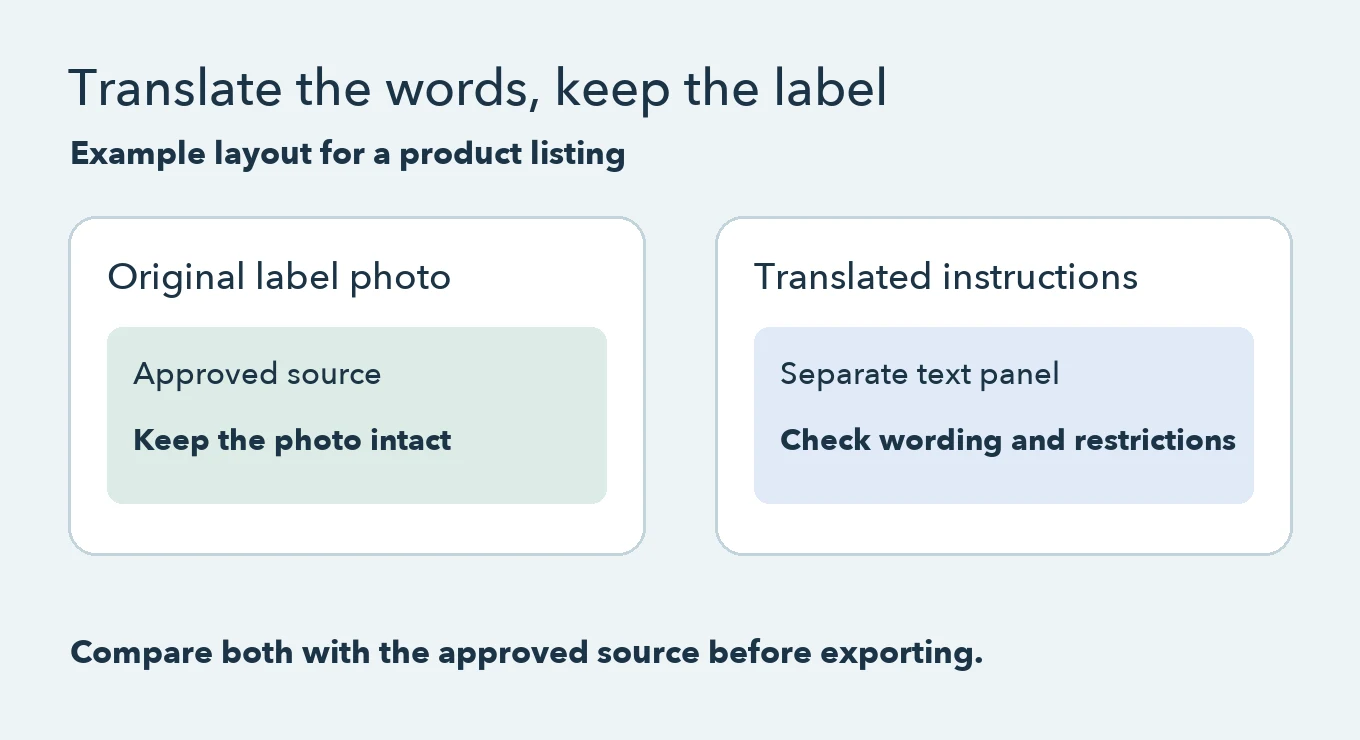
Review the words and the image separately
For a working copy with a separate text panel, PicTech.ai Image Translator can translate the readable wording. The PicTech.ai user guide describes product area protection, Compare Edit and Restore. Review with the source beside the result. If an edit touched the photo, restore the original area or place the original photo back into the layout before exporting.
First check meaning: compare each translated instruction with the approved reference, including its limits and exceptions. Then check the image: did a symbol get cropped, softened, covered by the translation, or separated from the label it belongs to? Open the downloaded file and inspect the whole label at the size a shopper will see on a phone.
Keep listing artwork and label production separate
This workflow is for a listing image. If you are creating or changing a physical care label, use the approved garment instructions and the conventions for the destination market. GINETEX’s care-labelling reference explains its symbol system and provides a starting point for checking the source.
Before publishing the listing, have a reviewer compare one export with the approved source for the same SKU. If a restriction or a small mark cannot be read, fix the layout or replace the source photo before rolling it out to other variants.