
Smart Online ID Photo Maker
Upload a casual photo, and let AI handle everything! Easily <b>change the background to red, white, or blue</b>, and precisely <b>crop to standard sizes like 1x1 or 2x2 inches</b>. You can <b>preview the result online</b> and, once satisfied, download a <b>high-definition, watermark-free digital photo</b> and a <b>print-ready layout</b>. Create professional ID photos right at home.
Make ID Photo Now
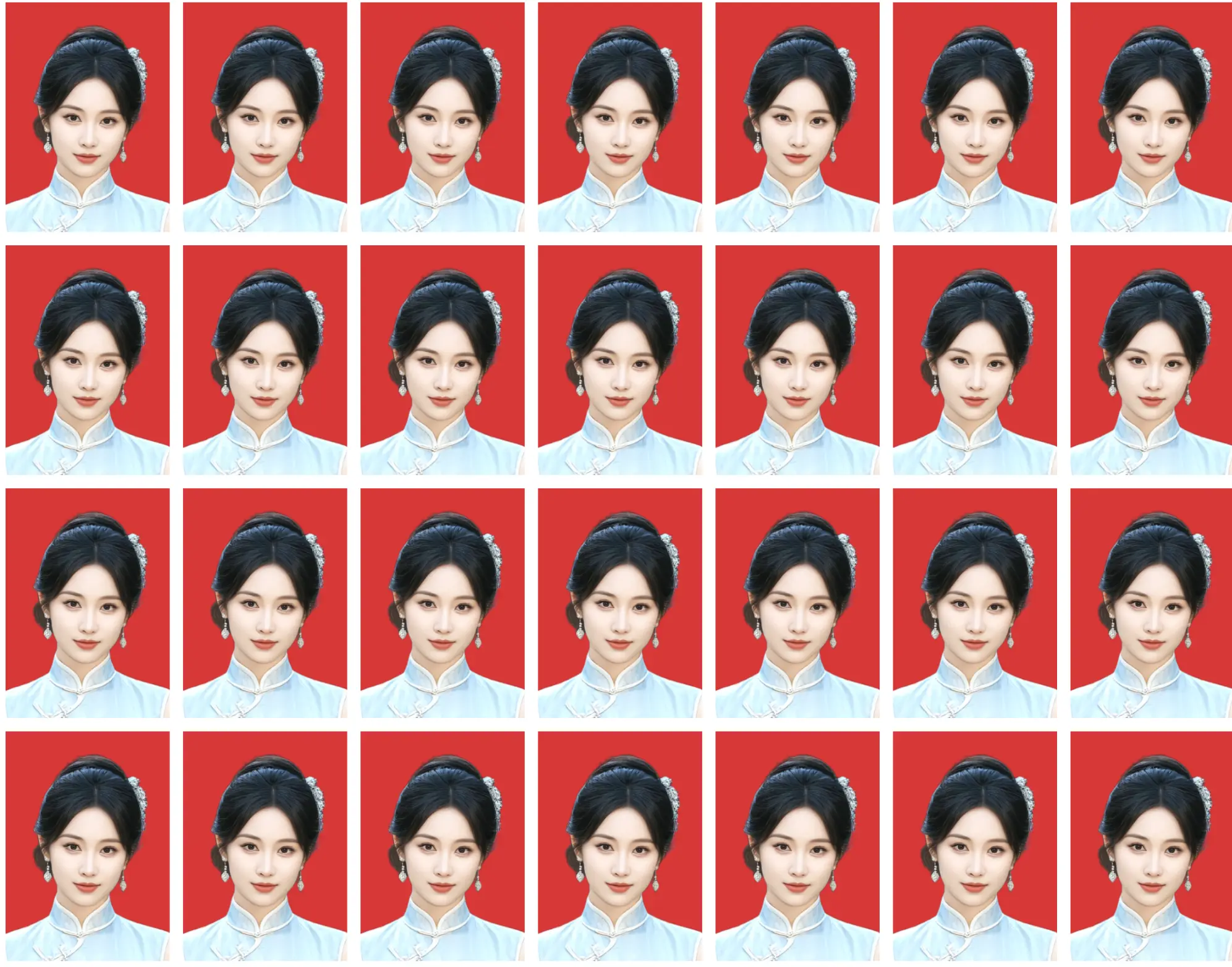
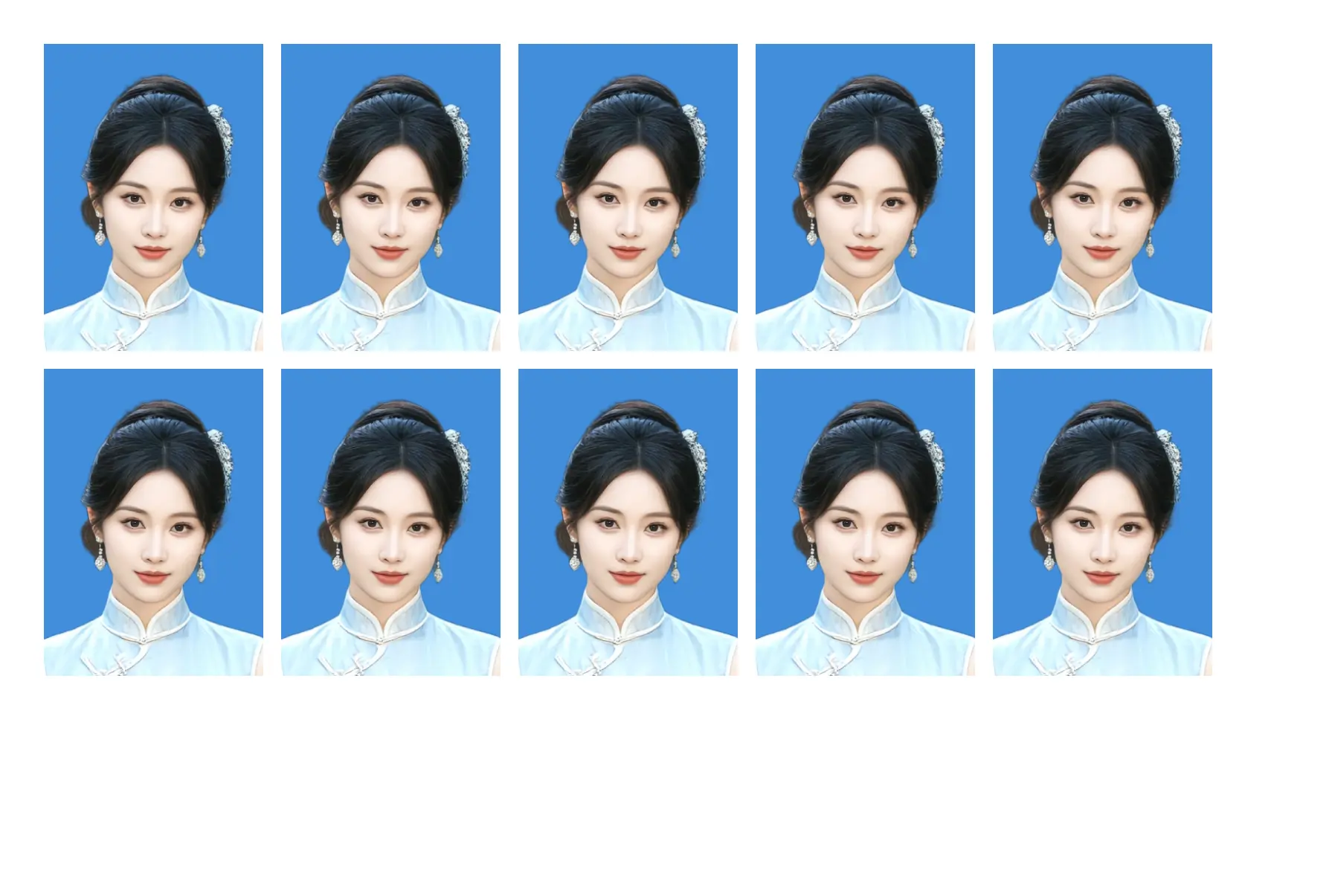


One Tool for All Your Size Needs
Choose from common ID photo sizes and presets for documents, visas, examinations, and online applications. Always confirm the current requirements of the receiving authority before submission.
GRE / GMATSpecsCHSI / Image CollectionSpecsMandarin Proficiency TestSpecsSingapore VisaSpecsIELTSSpecsMedical License ExamSpecsCanada VisaSpecsKorea VisaSpecsJapan VisaSpecsUSA VisaSpecsGRE / GMATSpecsCHSI / Image CollectionSpecsMandarin Proficiency TestSpecsSingapore VisaSpecsIELTSSpecsMedical License ExamSpecsCanada VisaSpecsKorea VisaSpecsJapan VisaSpecsUSA VisaSpecs
ID Card Photo ReceiptSpecs2-inch Photo35×53mmMarriage RegistrationSpecsBar ExamSpecsMalaysia VisaSpecsVietnam VisaSpecsResidence PermitSpecsResume / CV PhotoSpecsLarge 1-inchSpecsID Card Photo ReceiptSpecs2-inch Photo35×53mmMarriage RegistrationSpecsBar ExamSpecsMalaysia VisaSpecsVietnam VisaSpecsResidence PermitSpecsResume / CV PhotoSpecsLarge 1-inchSpecs
Small 2-inchSpecsLinkedIn ProfileSpecsNCRE ExamSpecsHK & Macau PassSpecsRussia VisaSpecsCET-4 / CET-6SpecsClub / Student IDSpecsSmall 1-inch22×32mmIndia VisaSpecsSmall 2-inchSpecsLinkedIn ProfileSpecsNCRE ExamSpecsHK & Macau PassSpecsRussia VisaSpecsCET-4 / CET-6SpecsClub / Student IDSpecsSmall 1-inch22×32mmIndia VisaSpecs
Thailand VisaSpecsSocial Security CardSpecsTOEFLSpecsTaiwan PassSpecsNew Zealand VisaSpecsConstructor LicenseSpecsFinance CertificateSpecsAccounting CertificateSpecsChinese PassportSpecsThailand VisaSpecsSocial Security CardSpecsTOEFLSpecsTaiwan PassSpecsNew Zealand VisaSpecsConstructor LicenseSpecsFinance CertificateSpecsAccounting CertificateSpecsChinese PassportSpecs
UK VisaSpecsDigital Driver's LicenseSpecsSchengen VisaSpecsPostgraduate Entrance ExamSpecs1-inch Photo25×35mmCPA ExamSpecsCivil Servant ExamSpecsTeacher's CertificateSpecsAustralia VisaSpecsUK VisaSpecsDigital Driver's LicenseSpecsSchengen VisaSpecsPostgraduate Entrance ExamSpecs1-inch Photo25×35mmCPA ExamSpecsCivil Servant ExamSpecsTeacher's CertificateSpecsAustralia VisaSpecs
So Simple, It's Done in 3 Steps
No professional knowledge required. Follow our smart guide and create a professional ID photo with just a few clicks.
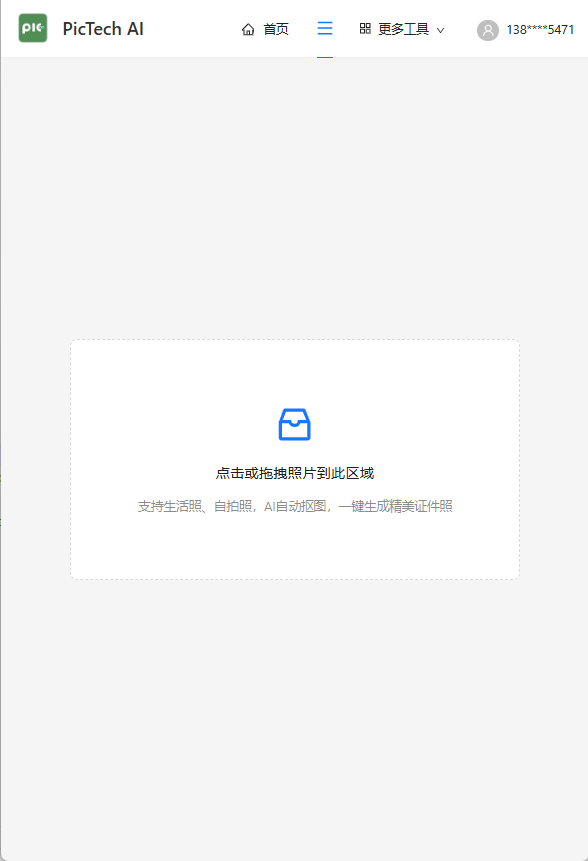
stepUpload Photo
Choose a clear, front-facing casual photo, preferably with a simple background.
stepChange Background
AI automatically removes the background. Change to standard colors like red, white, or blue with one click.
stepSelect Size
Choose your required size from our extensive library, such as 1x1 inch, 2x2 inch, or a specific visa photo size.
stepGenerate Layout
If needed, you can generate a print-ready layout for easy printing.
stepPreview & Download
Preview the result in real-time. If you're satisfied, unlock and download the high-definition, watermark-free photo.