
Blurry Supplier Image Text? Check the Source Before Translating
If you cannot confidently read a supplier image's smallest important text, obtain a better source or an approved text record before translating it. A polished translated graphic is not evidence that an unclear number, model code, or instruction was recovered correctly. Separate the source-quality decision from the translation task.
Find the best available source
Keep the received file unchanged and ask whether the supplier has the original export rather than a screenshot or a copy saved from a messaging preview. Compare the actual files, not just how large their previews look. Record which product and revision each file represents so a clearer but outdated image does not replace the current specification.
Inspect the text at full size. Identify regions that are readable, uncertain, or missing. Enlarging the view can help you inspect pixels, but it cannot establish the correct wording when the source does not contain enough detail to distinguish it.
Make an uncertainty list
Write down the exact regions that need confirmation. A request such as “Please send a clearer image” is less useful than “Please confirm the final two digits in the capacity label and provide the original version of the bottom warning.” Attach the relevant source file or crop when you have permission to share it with the supplier.
Treat small numbers and qualifying words as important content. An uncertain decimal point or a missing negative can change the meaning. Do not fill the gap with what seems likely for a familiar product.
For a fictional example, suppose a label could read either “10” or “18.” Neither a plausible translation nor a sharper-looking replacement establishes which value is correct. The supplier's approved specification must resolve it. This example illustrates a review decision, not a test of a tool.
Separate confirmed text from a visual guess
Once the supplier confirms the wording, save that confirmation alongside the source. A text record can support language review even when the original graphic needs rebuilding, but it does not prove that the source picture shows the correct product variant.
| Source issue | Next step |
|---|---|
| Readable text but crowded layout | Translate, then review placement and readability |
| Uncertain number or identifier | Confirm it against the approved product record |
| Missing or cropped instruction | Request the complete source |
| Clear image from an older revision | Confirm whether the wording and product still apply |
Translate one representative image
PicTech AI's image translation page describes text recognition, translation, replacement of original text, and layout editing. Begin with a source whose important wording is confirmed. Compare the translated result against that wording rather than treating generated text as a reconstruction of missing evidence.
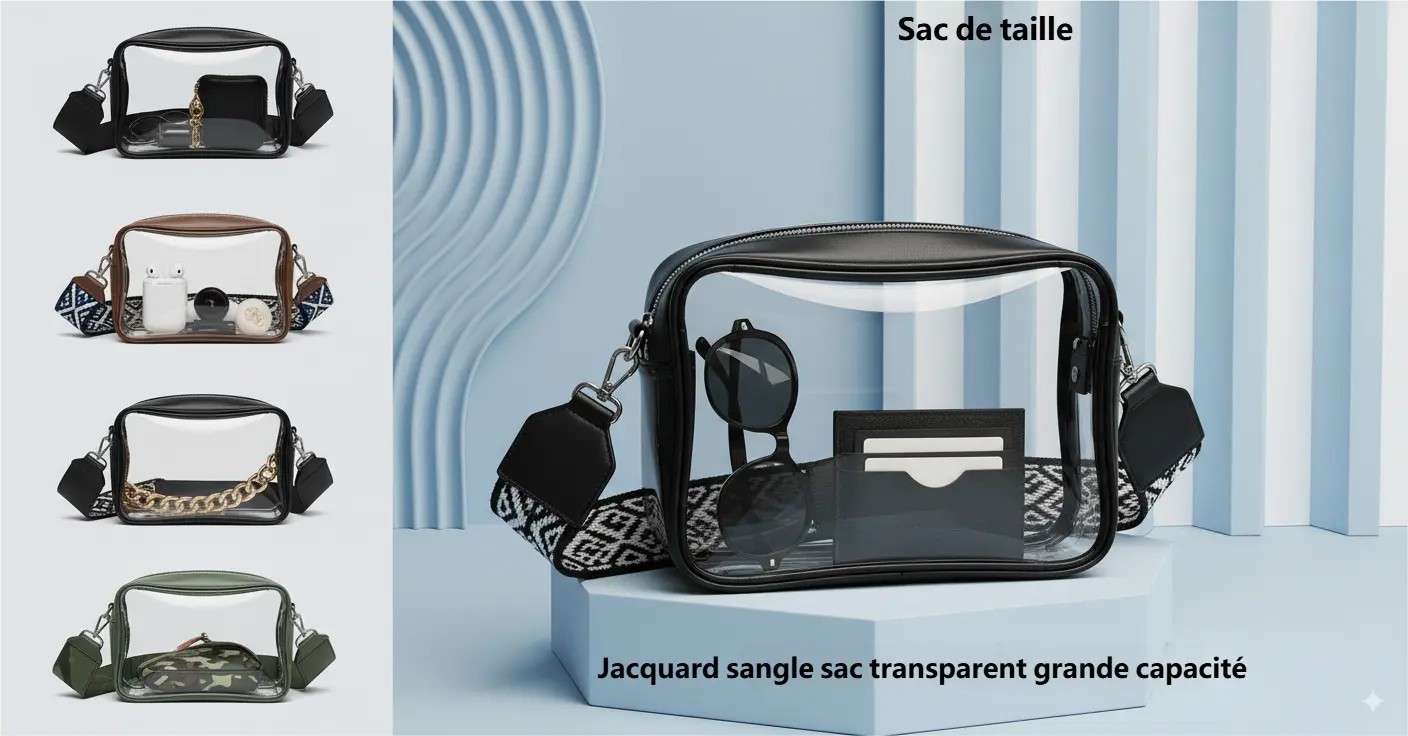
Check every previously uncertain region. Did a digit change? Did a line disappear? Is the approved qualification still attached to the right claim? If the source remains unresolved, keep the image in review rather than adding it to a batch.
Inspect the exported file before scaling the work
Open the downloaded file and view it at the intended listing size. Compare its wording with the approved text record and its product photograph with the selected SKU. A readable editor preview alone is not the finished listing asset.
Only expand to more images after the representative proof passes review. The batch image translation guide describes reviewing difficult samples before processing a larger set.
Keep the source, supplier confirmation, translation proof, and approved export separately. When a source revision changes, recheck the affected wording instead of reusing an older translation. The useful outcome is a traceable image whose content is confirmed, not simply an image that looks sharper.
By the PicTech Team. Feature references checked on November 10, 2026. Examples are illustrative; no text-recovery or translation performance test is claimed.